Staff and teachers
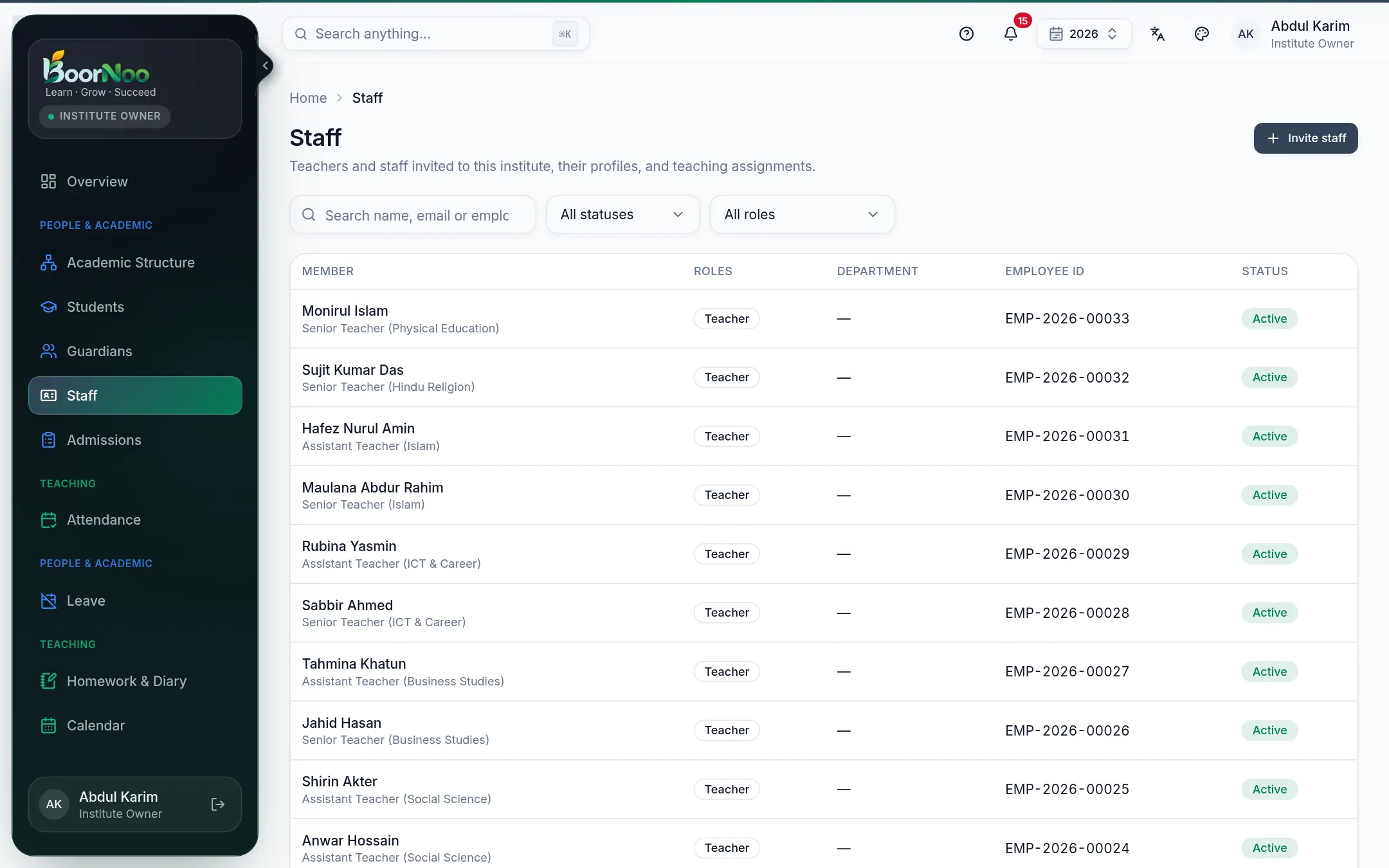
Inviting teachers and staff, their profiles and designations, and who teaches which subject in which class.
For:Owner & admin
The staff list
boornoo.com/dashboard/staff
Point by point
Tap a number to see what it is.Point at a number, or scroll the list.
Sending an invitation
- 1Press Invite staff.
- 2Enter the name, email, (Teacher or Accountant, say) and designation.
- 3They get an email and set a password from the link. The employee ID is made for you.
Who teaches what
Give teachers their assignments on their profile — which subject in which class/section. That's what lets a teacher take attendance, set homework and enter marks for their classes, and it helps build the routine. Pick each section's class teacher under Academic Structure.
Still stuck? Ask your institute's admin, or the BoorNoo team.