Members, roles and permissions
Who can sign in, and what they can do. Everyone gets one or more roles; each role carries a set of permissions.
For:Owner & admin
The member list and invitations
boornoo.com/dashboard/settings?tab=members
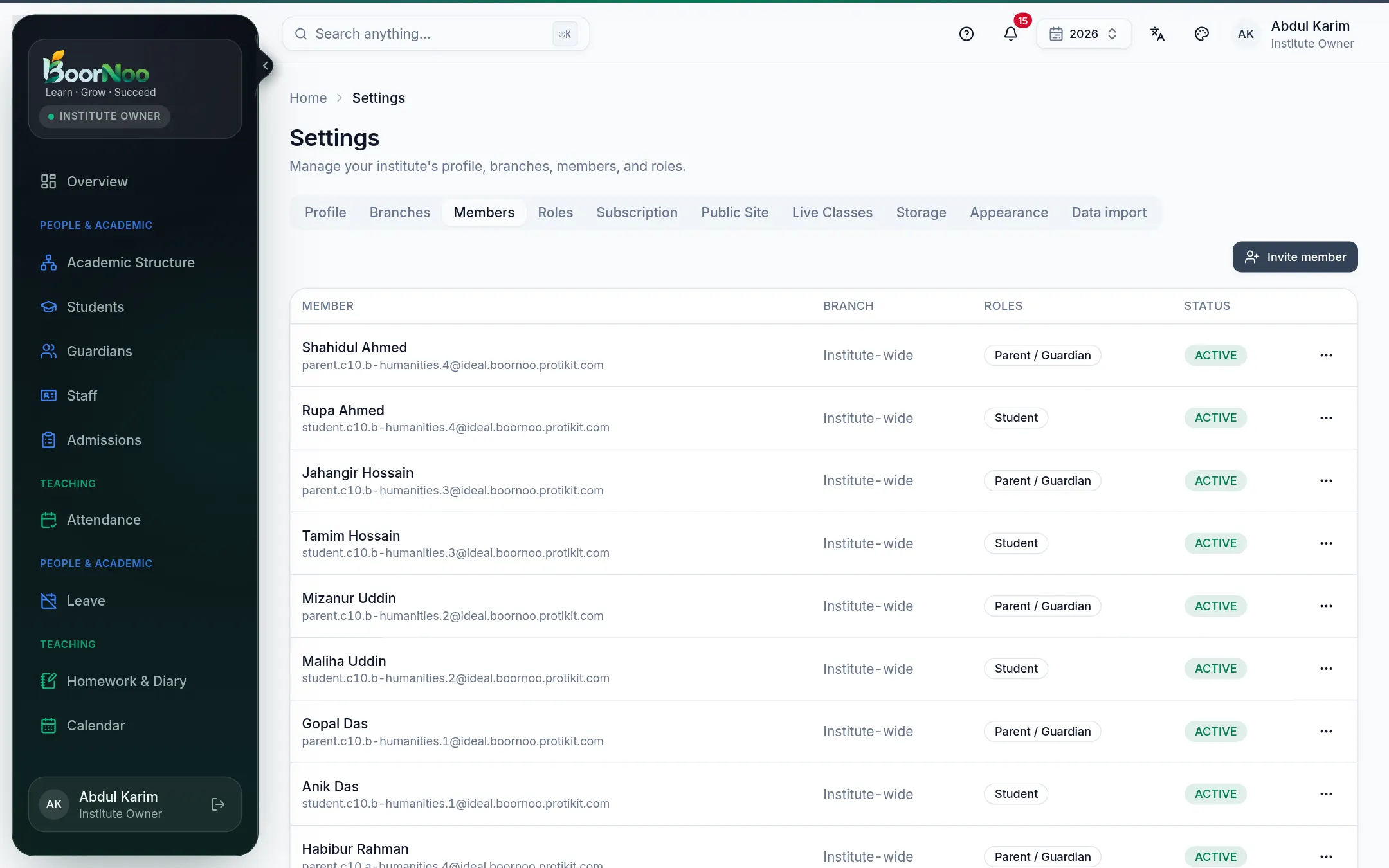
Point by point
Tap a number to see what it is.Point at a number, or scroll the list.
- Teachers and staff are usually invited from the Staff page — it also takes their designation and department.
- Parents and students are invited to the portal from their own pages. See Guardians.
- Removing someone doesn't delete the records of what they did (attendance, receipts).
Roles and permissions
boornoo.com/dashboard/settings?tab=roles
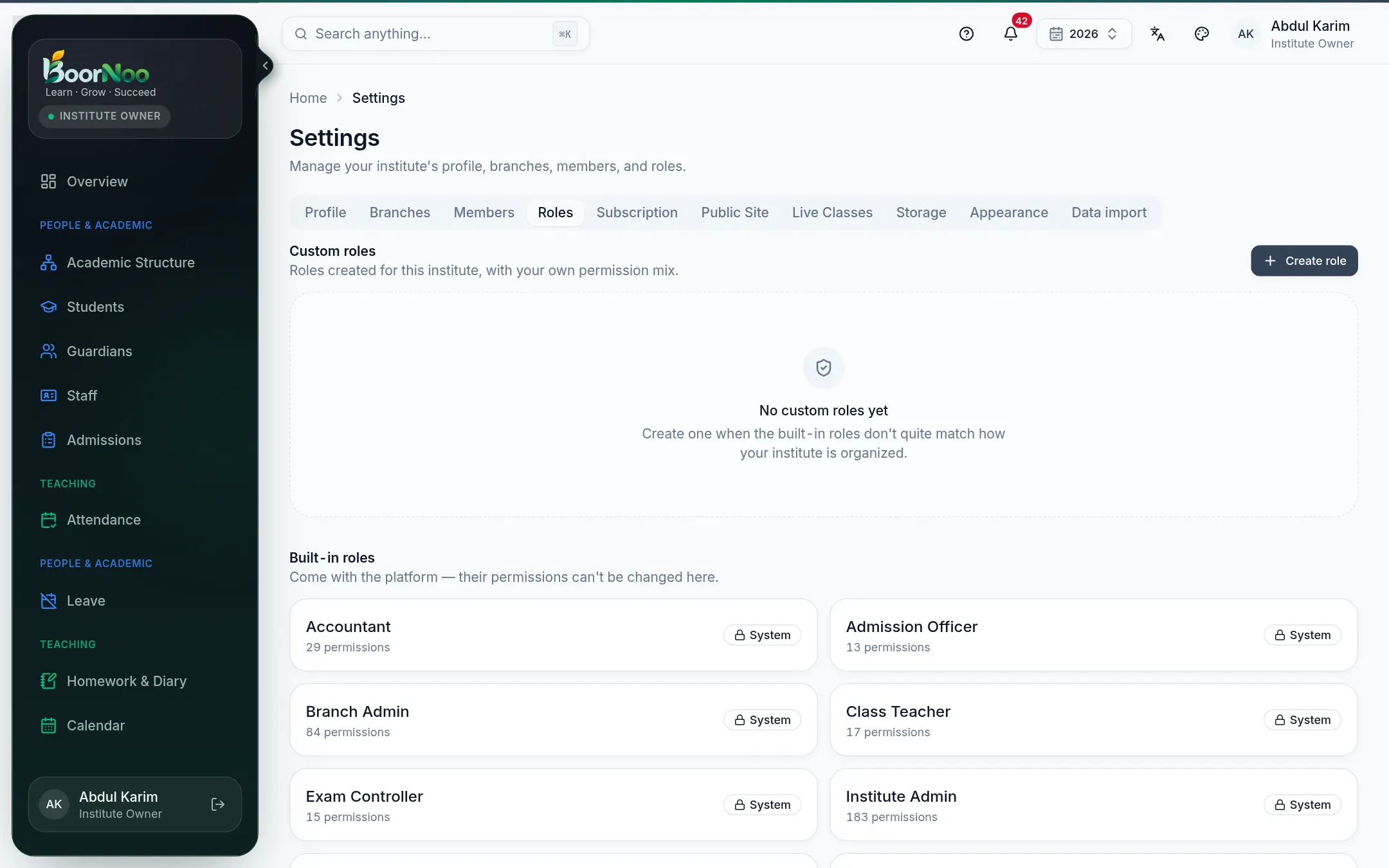
Point by point
Tap a number to see what it is.Point at a number, or scroll the list.
| Role | Usually does |
|---|---|
| Institute Owner | Everything, including the subscription. |
| Institute Admin | Setup, staff, students — nearly everything. |
| Branch Admin | Running one branch or campus. |
| Teacher / Class Teacher | Attendance, homework, marks and courses for their classes; a class teacher also looks after their section. |
| Exam Controller | Exams, checking marks and publishing results. |
| Accountant | Fees, payments, wallet, accounts. |
| Admission Officer | Admission applications and adding students. |
| Guardian / Student | Only their own or their child's information. |
Still stuck? Ask your institute's admin, or the BoorNoo team.