Academic structure: years, classes, sections, subjects
How your institute is organised — academic years, classes, sections or batches, departments and subjects. The setup wizard builds it all in a few steps.
For:Owner & adminOffice & admissions
The academic structure page
boornoo.com/dashboard/academic
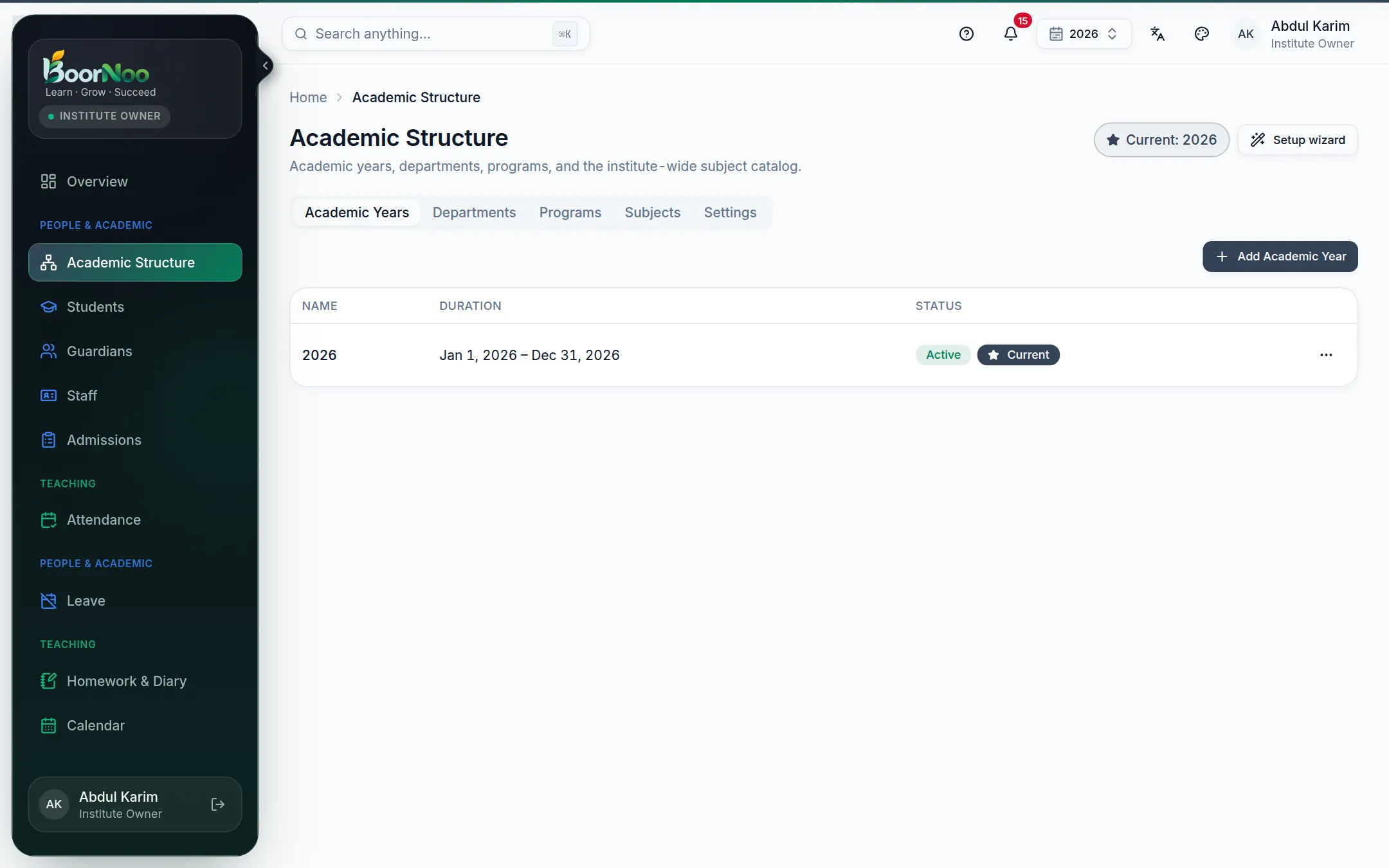
Point by point
Tap a number to see what it is.Point at a number, or scroll the list.
Start with the setup wizard
- 1Press Setup wizard.
- 2Your institute — pick your kind of institute (school, college, madrasa, coaching…) and how your year runs (January–December, semesters…).
- 3Template — pick a ready-made structure, e.g. "Class 1 to 10, sections A and B in each".
- 4Customize — add or remove classes and sections, rename them (Bangla names too).
- 5Review — check it once and create it. You can change everything later.
Subjects
boornoo.com/dashboard/academic
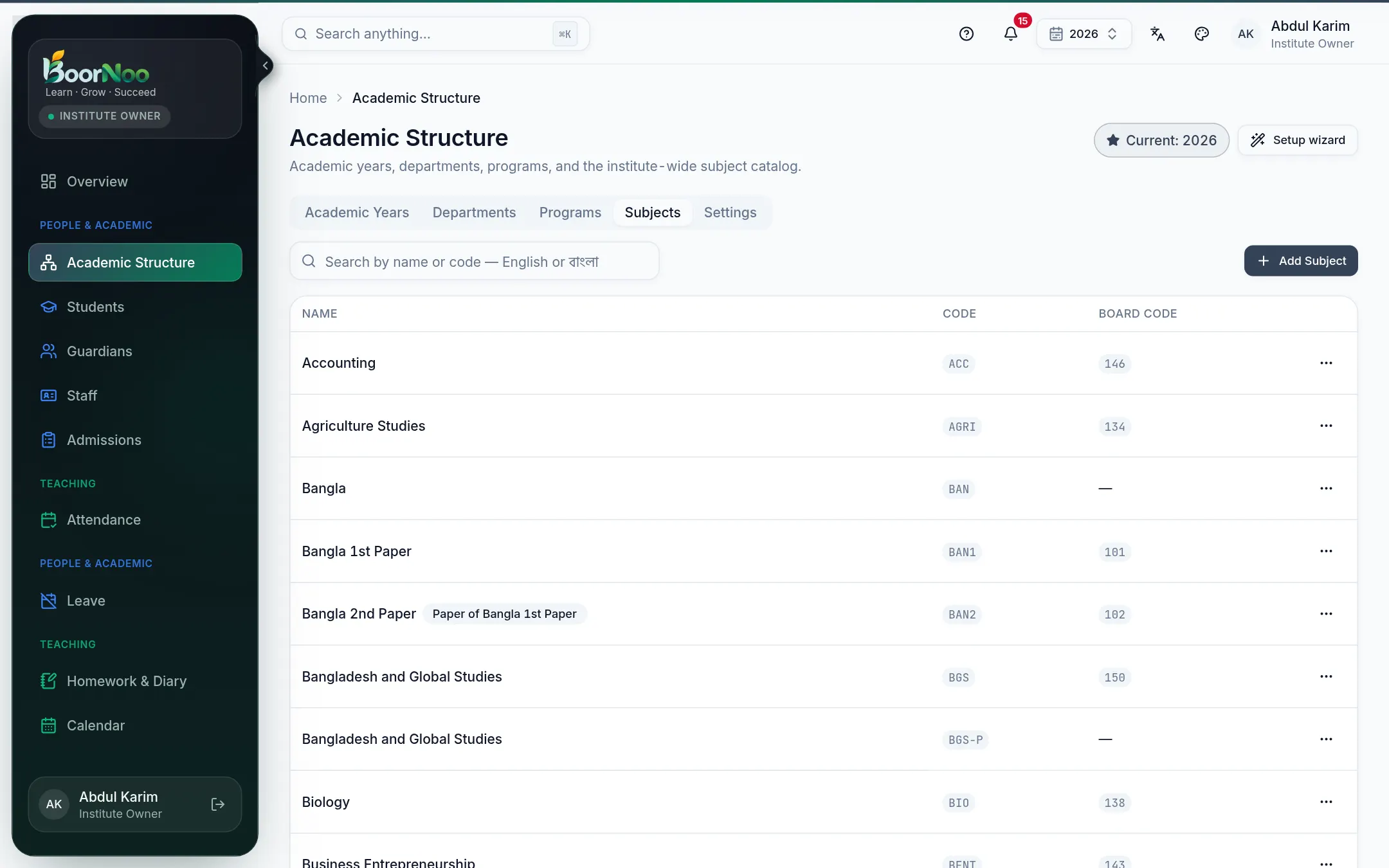
Point by point
Tap a number to see what it is.Point at a number, or scroll the list.
Add each subject to the list once, then — inside the academic year — choose which subjects each class takes (the subject matrix). Routines, homework and exam marks all come from it.
Starting a new year
- 1In the year list, open the current year's menu and choose Start next year — classes, sections and subjects are copied over.
- 2When the new year begins, make it current.
- 3Move everyone up with Promote students on the Students page. See Students.
- 4Close the old year — it becomes read-only, but its attendance, results and fee records stay.
Still stuck? Ask your institute's admin, or the BoorNoo team.