Exams, marks and results
Create an exam, enter marks subject by subject, review and approve, then publish. Parents and students see results on their phones and you can print marksheets.
For:Owner & adminTeacherParentStudent
The exam list
boornoo.com/dashboard/exams_results
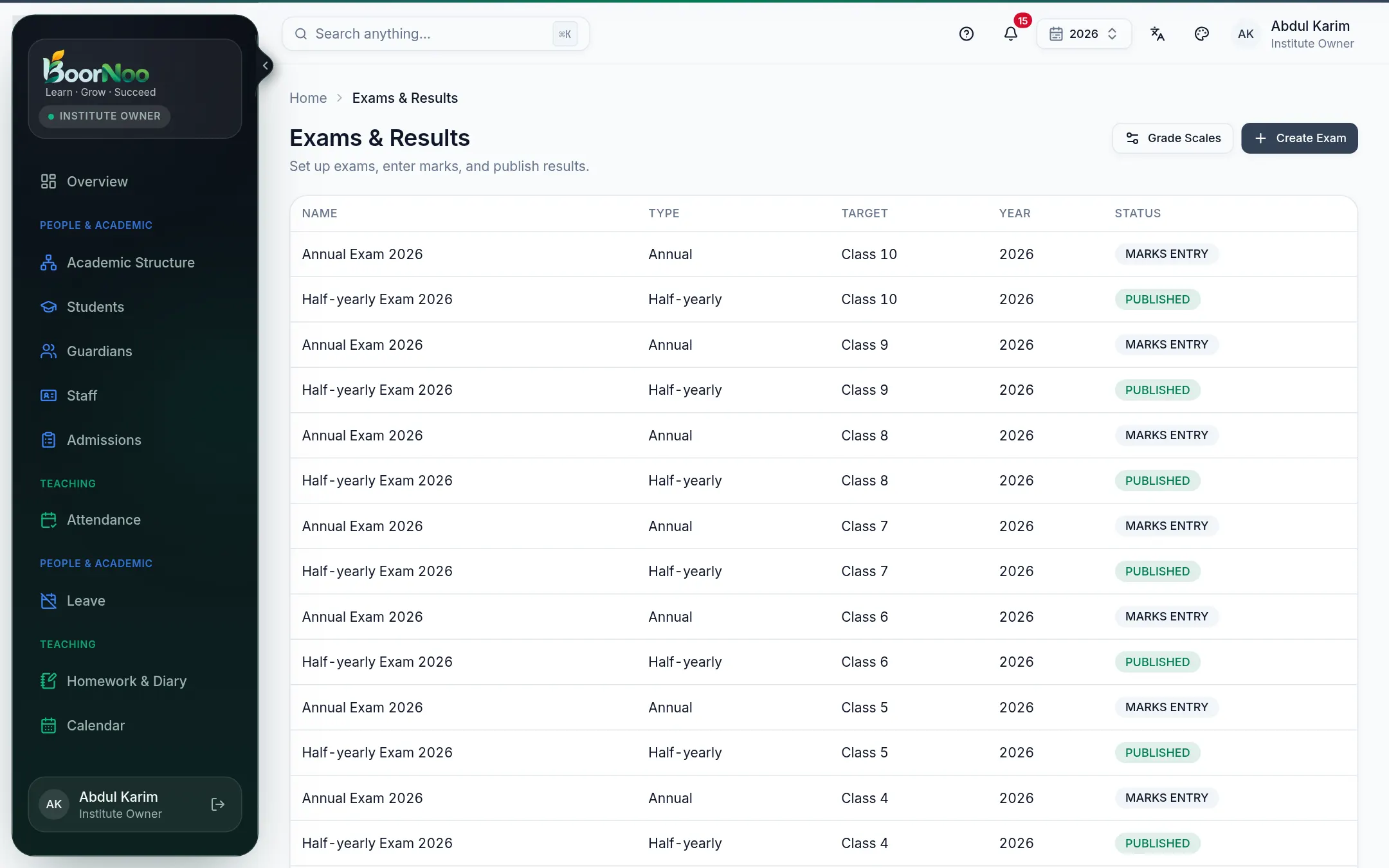
Point by point
Tap a number to see what it is.Point at a number, or scroll the list.
From creating to publishing
- 1Press Create Exam — give the name, type, class and academic year.
- 2Open the exam and, under Subjects, set each subject's full and pass marks. Optionally add dates and times under Routine — they go on the admit card.
- 3Teachers press Enter on their subject and type in the marks.
- 4When all marks are in, Submit for review; then an approver presses Approve.
- 5Press Publish — results, grades and GPA become visible. Spotted a mistake? Reopen, fix it, publish again.
Still stuck? Ask your institute's admin, or the BoorNoo team.