Signing up and signing in
Opening a new institute takes a minute. Staff, parents and students set a password from an emailed invitation, then sign in.
For:Owner & adminTeacherAccountantOffice & admissionsParentStudentReseller
Opening a new institute
boornoo.com/signup
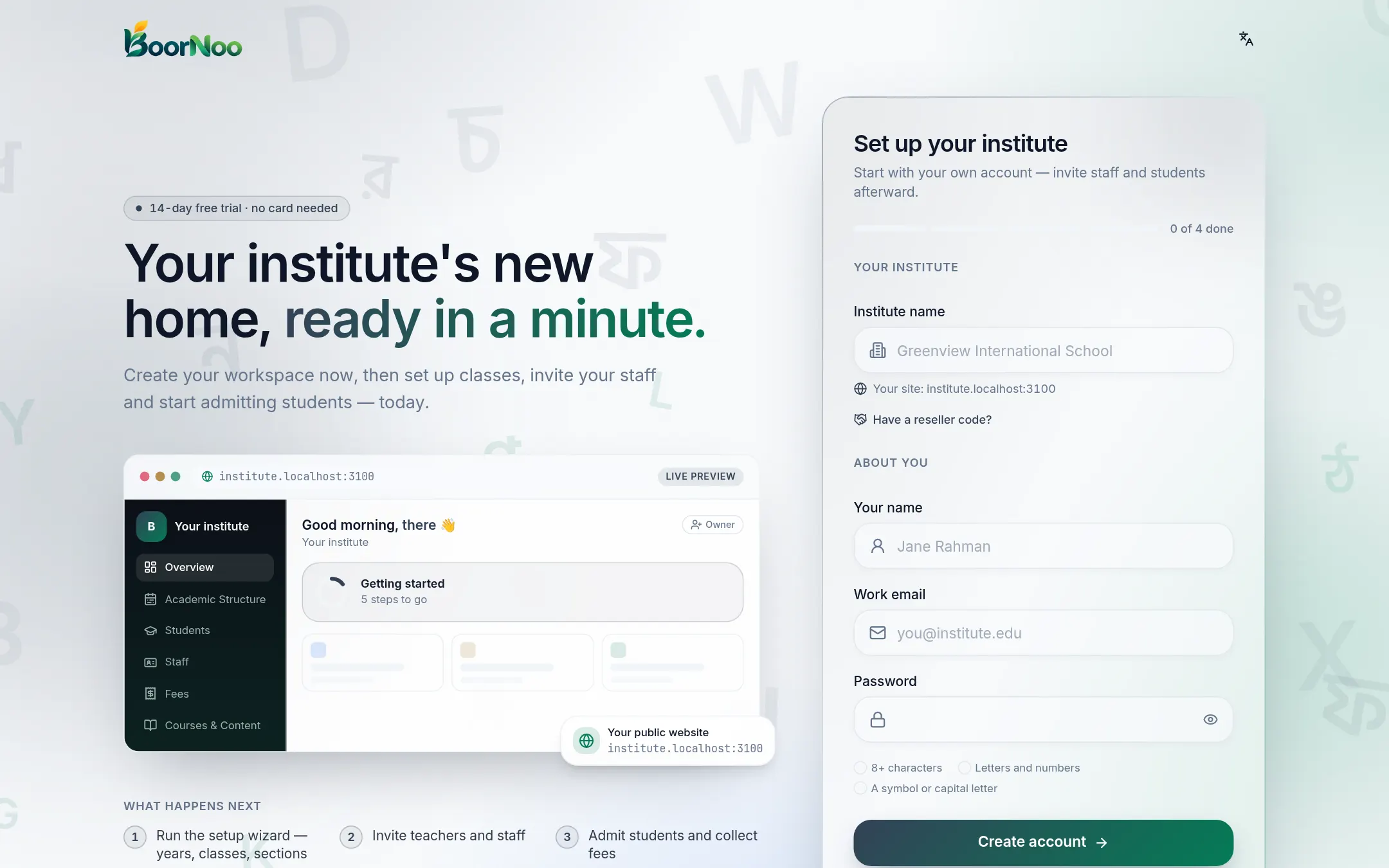
Point by point
Tap a number to see what it is.Point at a number, or scroll the list.
- 1Press Get started on the website, or open the sign-up page directly.
- 2Enter the institute name, your name, your email and a password.
- 3Press Create account. A verification link arrives by email — open it when you can.
- 4The BoorNoo team reviews new institutes. You're emailed once it's approved, and can then sign in.
Signing in
boornoo.com/login
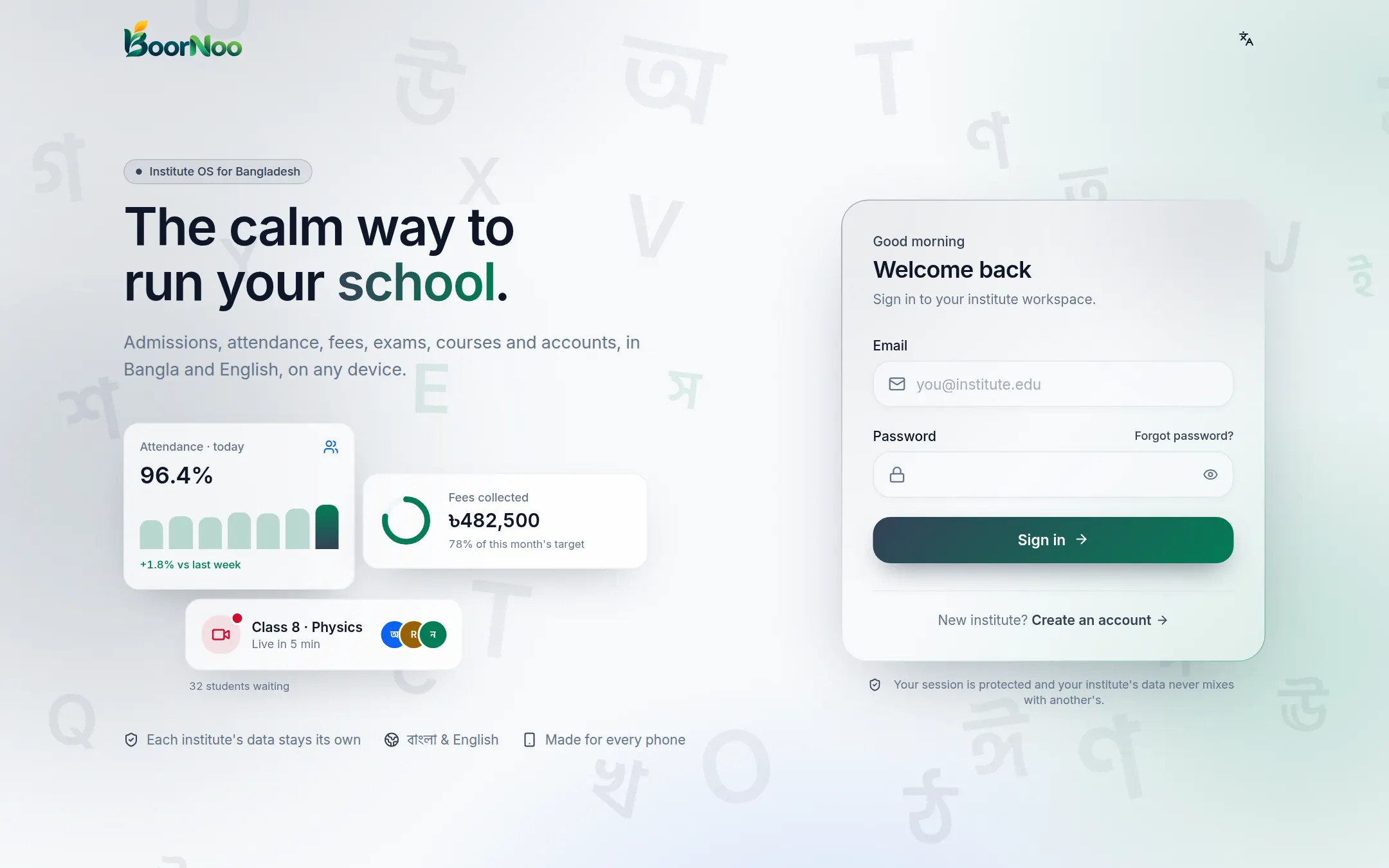
Point by point
Tap a number to see what it is.Point at a number, or scroll the list.
After signing in your opens. Belong to more than one institute? Switch from the top bar.
Got an invitation?
- 1Open the button in the invitation email.
- 2Choose a password (at least 8 characters).
- 3From then on, sign in with your email and that password.
Still stuck? Ask your institute's admin, or the BoorNoo team.