Your school website
Every institute gets its own website — with notices, events, a gallery, teachers, result lookup and the online admission form. You arrange it without code, in Bangla and English.
For:Owner & adminOffice & admissions
Arranging the website
boornoo.com/dashboard/settings?tab=public-site
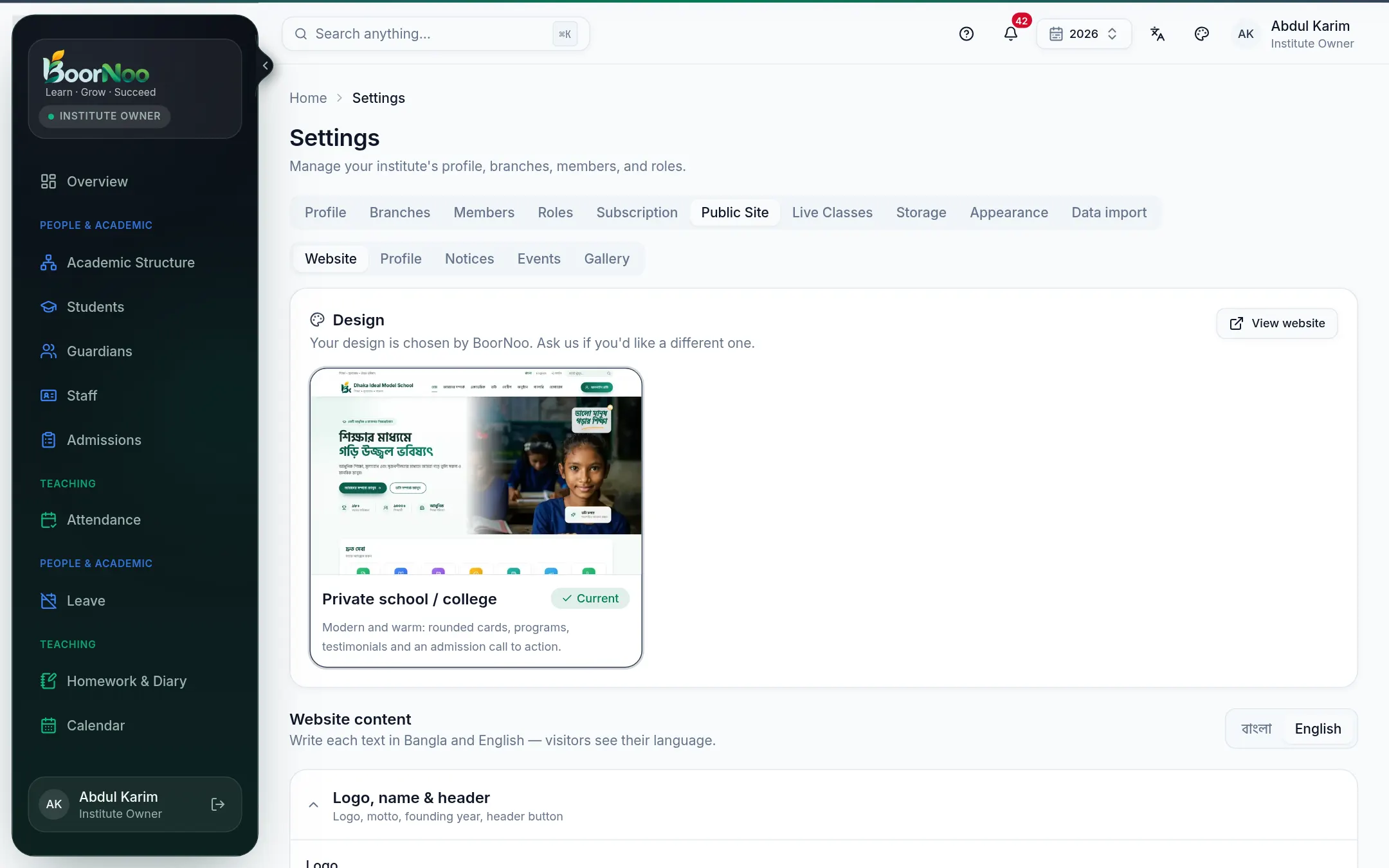
Point by point
Tap a number to see what it is.Point at a number, or scroll the list.
- 1Pick a design, then add your logo, banner photo, heading and motto.
- 2Turn each section Shown or Hidden and move it up or down. Every text can be written in both Bangla and English.
- 3Add notices and events — the newest notices scroll along the top by themselves.
- 4Use Visit school website in the top menu to see it, or copy the link to share.
- Its address is your-institute.boornoo.com. Want your own domain (like abcschool.edu.bd)? Contact support.
- It includes: admission applications and tracking, published result lookup, teachers and staff, contact details, and a BoorNoo login button.
Still stuck? Ask your institute's admin, or the BoorNoo team.