Guardians and their portal
The guardian list, adding a guardian, linking them to students, and inviting them to the online portal.
For:Owner & adminOffice & admissions
The guardian list
boornoo.com/dashboard/guardians
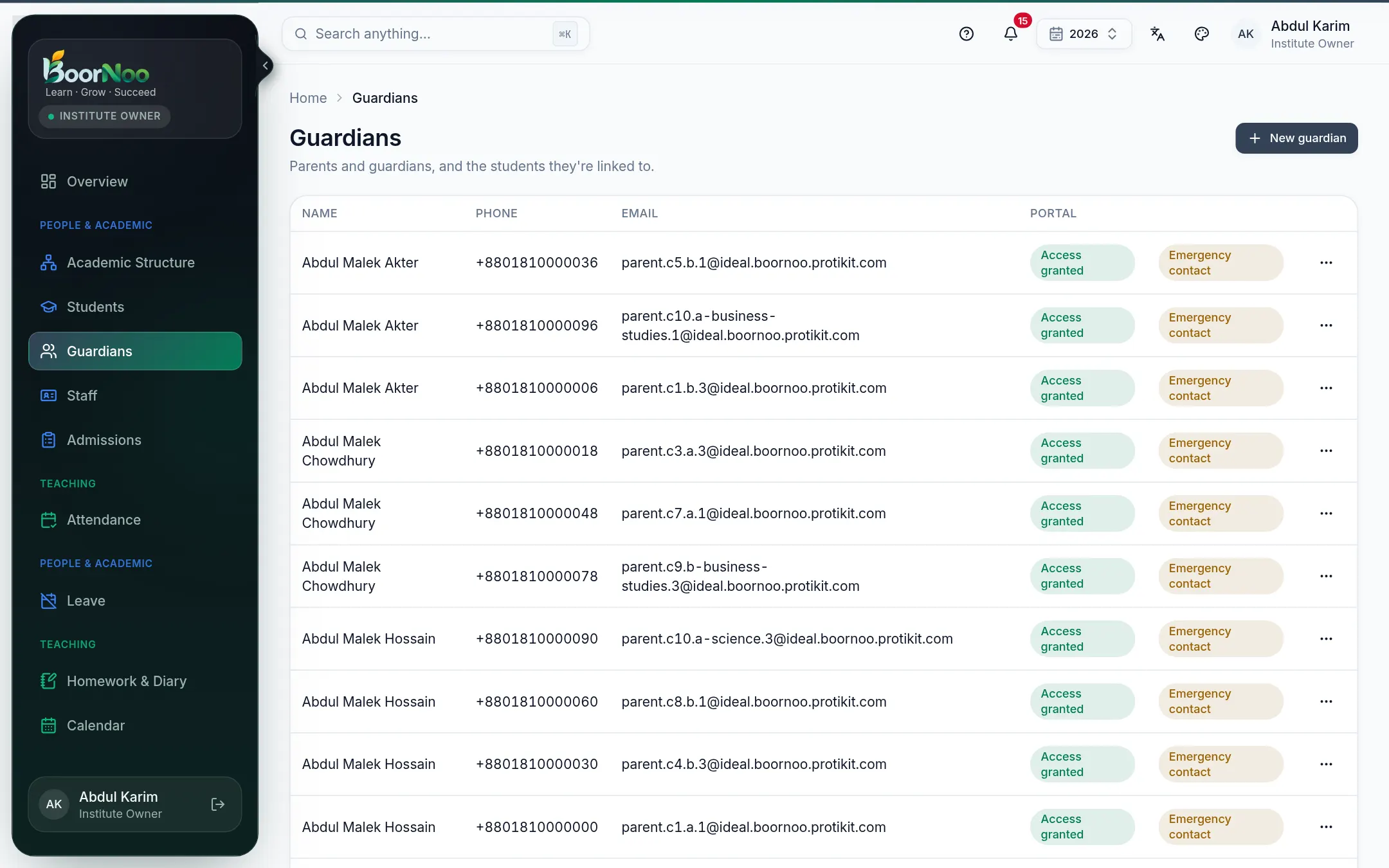
Point by point
Tap a number to see what it is.Point at a number, or scroll the list.
Inviting a guardian to the portal
- 1Make sure the guardian has an email address — the invitation goes there.
- 2From the ⋯ menu at the end of the row, give portal access and press Grant access.
- 3They set a password from the emailed link and sign in. See The parent portal.
Still stuck? Ask your institute's admin, or the BoorNoo team.