Leave requests
Teachers, staff and students apply for leave online. The right person approves it, and leave balances keep themselves up to date.
For:Owner & adminTeacherAccountantOffice & admissionsParentStudent
Your own leave
boornoo.com/dashboard/leave
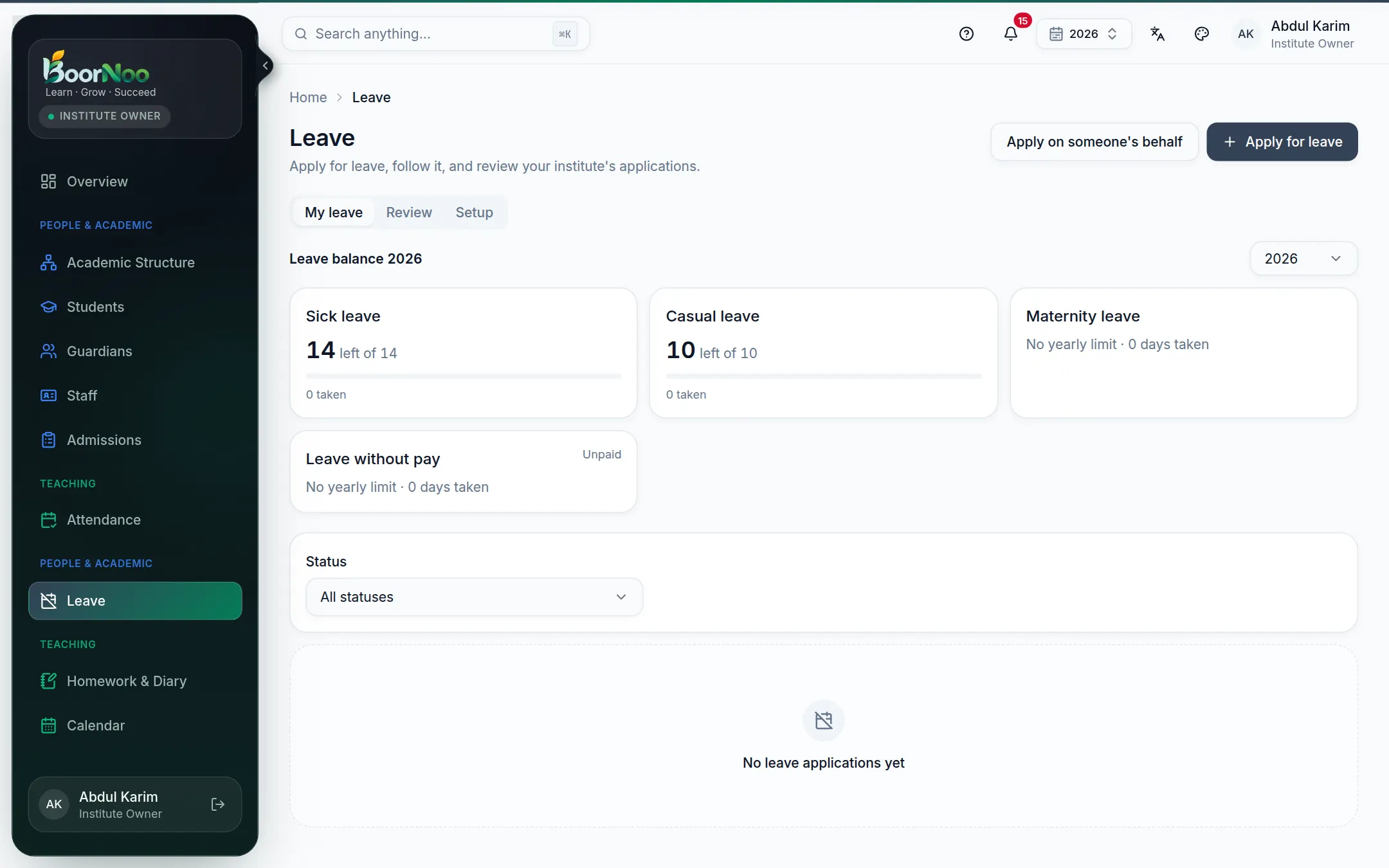
Point by point
Tap a number to see what it is.Point at a number, or scroll the list.
- 1Press Apply for leave.
- 2Choose the leave type and dates. Half days work too (First half / Second half).
- 3Write the reason; attach a document (a doctor's note, say) if needed.
- 4Send application — you'll be notified when it's decided.
Approving requests
boornoo.com/dashboard/leave
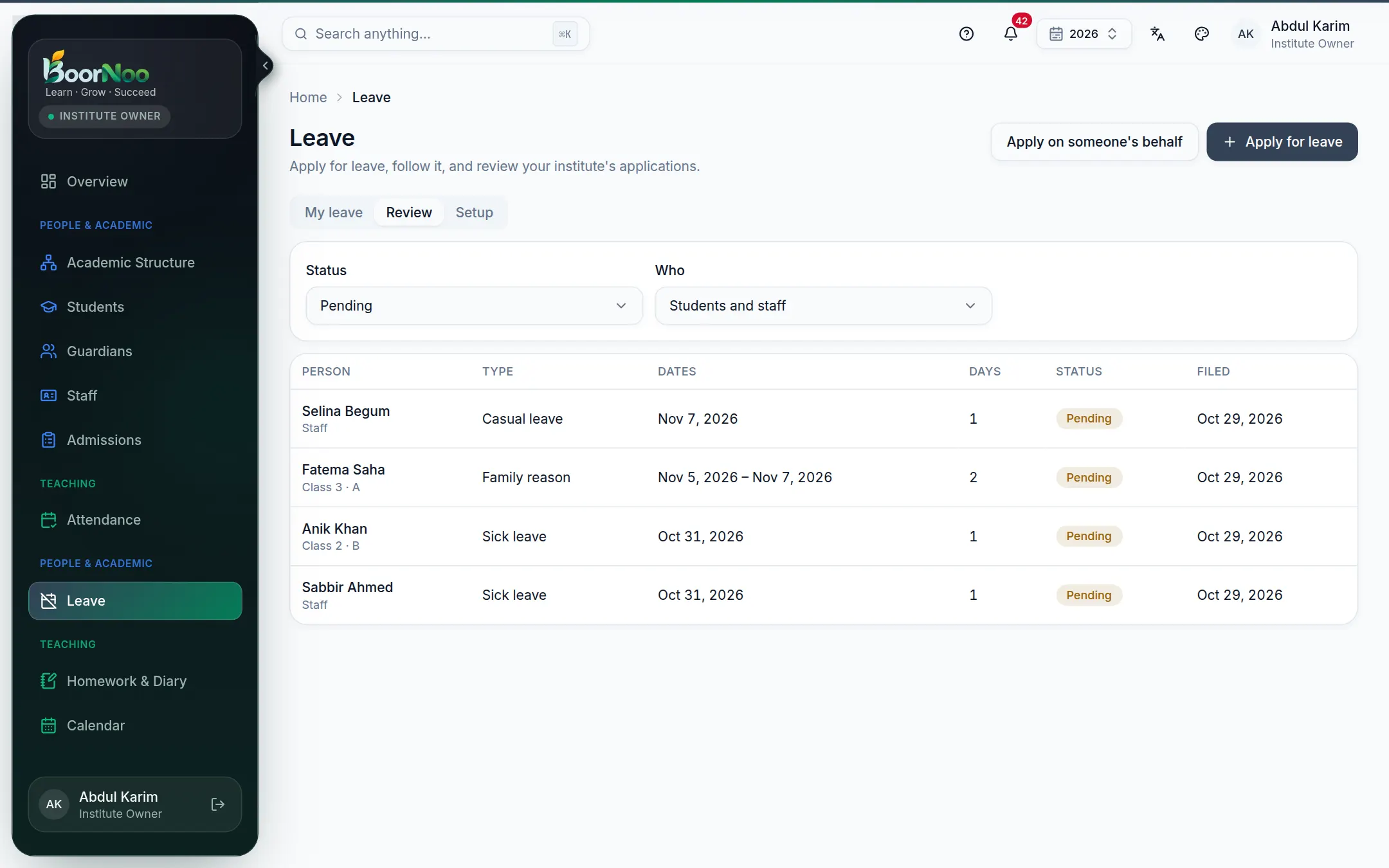
Point by point
Tap a number to see what it is.Point at a number, or scroll the list.
On the Setup tab, define leave types (sick, casual, maternity…), days per year, whether a document is needed, and who approves.
Still stuck? Ask your institute's admin, or the BoorNoo team.