Reports and downloads
Students, admissions, attendance, results, fees, accounts, staff, courses, leave — pick a ready-made report, filter it, preview it, then print or download PDF, Excel or CSV.
For:Owner & adminTeacherAccountantOffice & admissions
The reports page
boornoo.com/dashboard/reporting
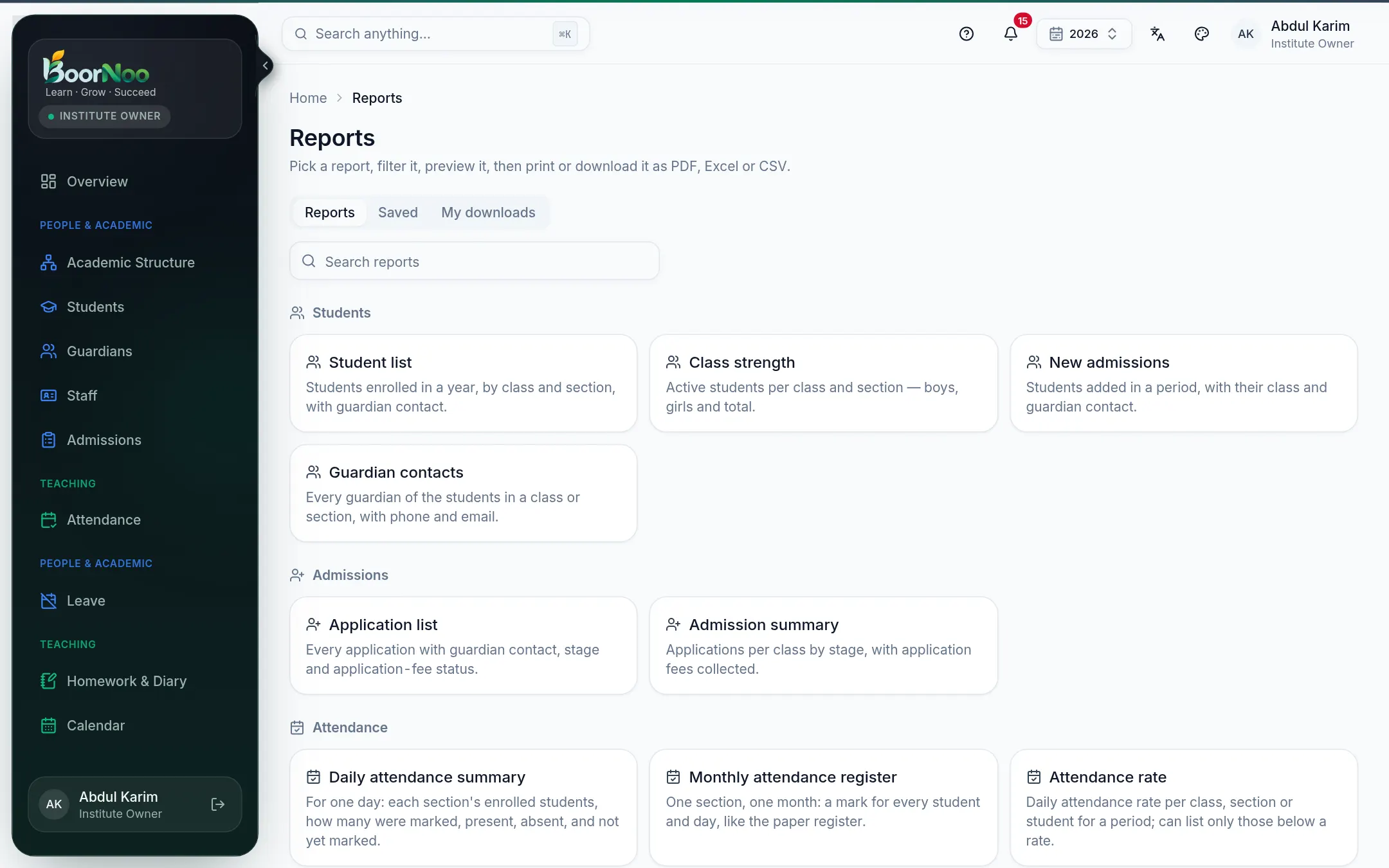
Point by point
Tap a number to see what it is.Point at a number, or scroll the list.
- 1Pick a report ("Monthly attendance register", say).
- 2Set the filters — year, class, section, dates.
- 3Preview it, then print or download PDF, Excel or CSV.
Still stuck? Ask your institute's admin, or the BoorNoo team.