Language, look and using it on your phone
Choose Bangla or English, pick a look you like, and put BoorNoo on your phone's home screen.
For:Owner & adminTeacherAccountantOffice & admissionsParentStudent
Changing the language
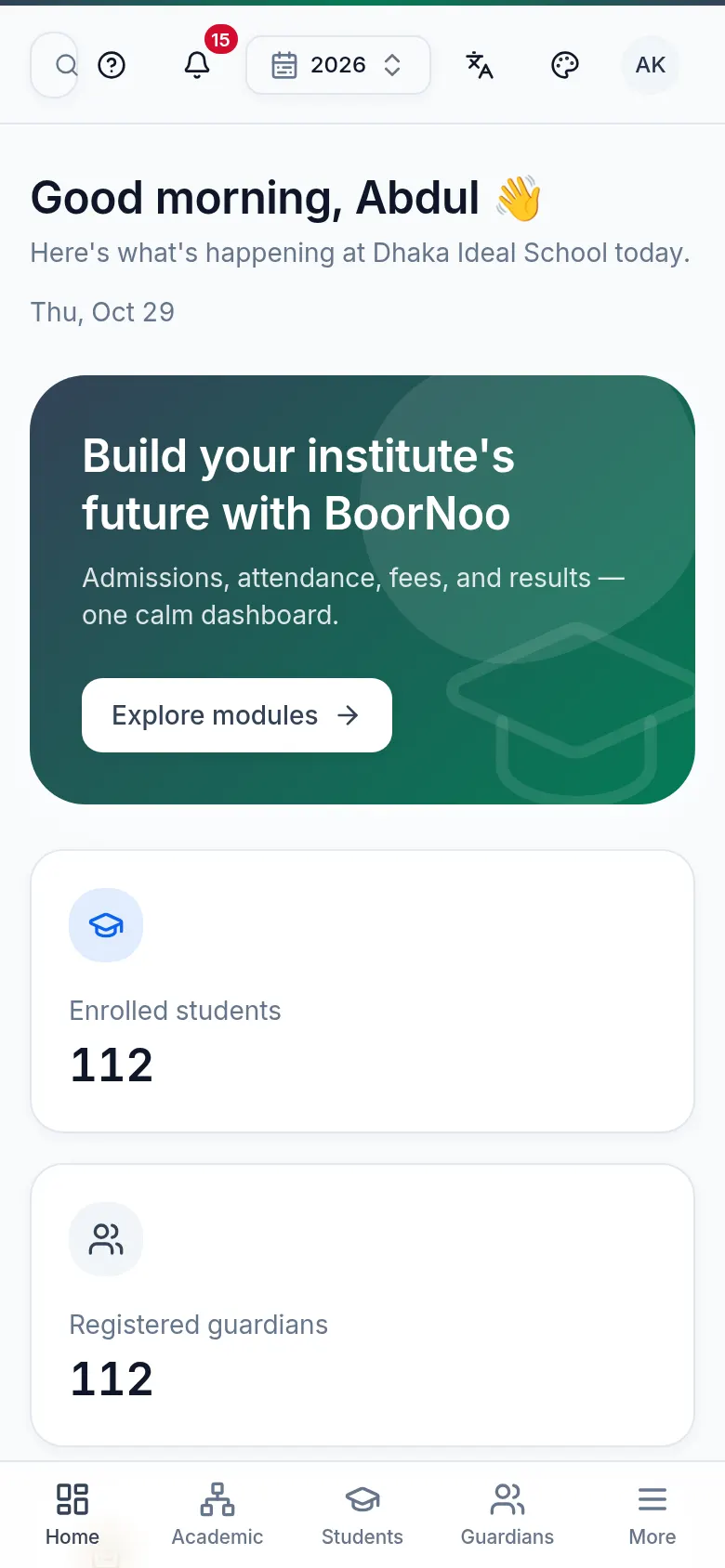
Tap the language icon in the top bar and pick বাংলা or English. It's remembered — the same language follows you to other devices.
Colours and theme
Tap the theme icon — light, dark, or one of the special looks (the exercise-book Notebook, or Aurora). The institute can set a default; you can choose your own.
Installing it on your phone
Point by point
Tap a number to see what it is.Point at a number, or scroll the list.
| Phone | What to do |
|---|---|
| Android (Chrome) | Open BoorNoo → the ⋮ menu → Install app or Add to Home screen. |
| iPhone (Safari) | Open BoorNoo → the Share button → Add to Home Screen. |
After that it opens from the BoorNoo icon on your home screen, full screen, like any app.
Still stuck? Ask your institute's admin, or the BoorNoo team.