Live classes
Schedule online classes on Zoom, Google Meet or any link. Students join from BoorNoo at class time, and you can see who came.
For:Owner & adminTeacherParentStudent
The live class list
boornoo.com/dashboard/live_classes
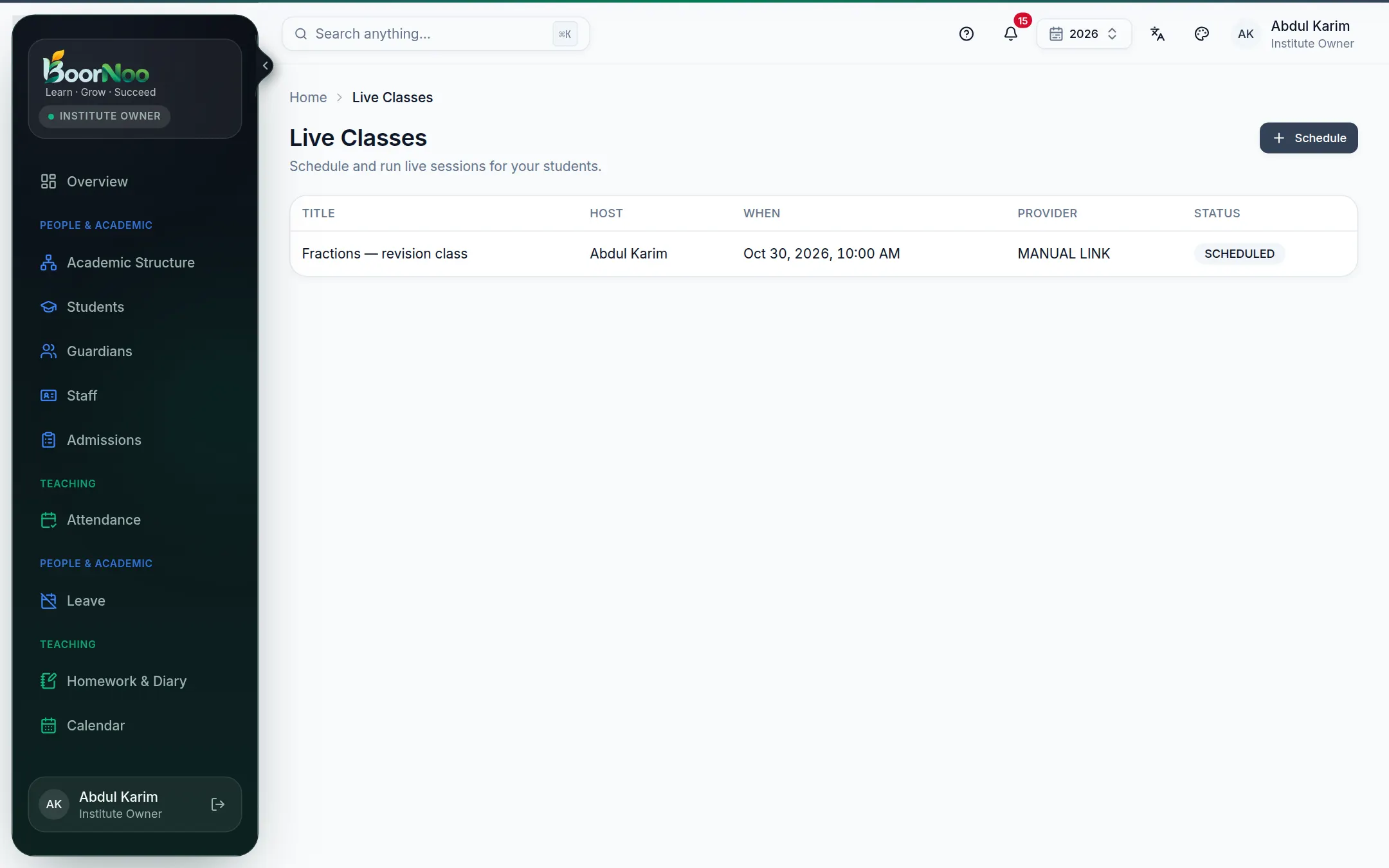
Point by point
Tap a number to see what it is.Point at a number, or scroll the list.
Scheduling
- 1Give it a title and choose the class/section or batch.
- 2Choose how: Zoom or Google Meet (if connected, the link is made for you), or paste your own link.
- 3Set the start and end time and save.
- 4At class time, open it and start; students join from their own page.
Still stuck? Ask your institute's admin, or the BoorNoo team.