Online admissions
Open an admission form on your website, review applications, take an application fee, and approve — the student is added for you.
For:Owner & adminOffice & admissions
The admissions page
boornoo.com/dashboard/admissions
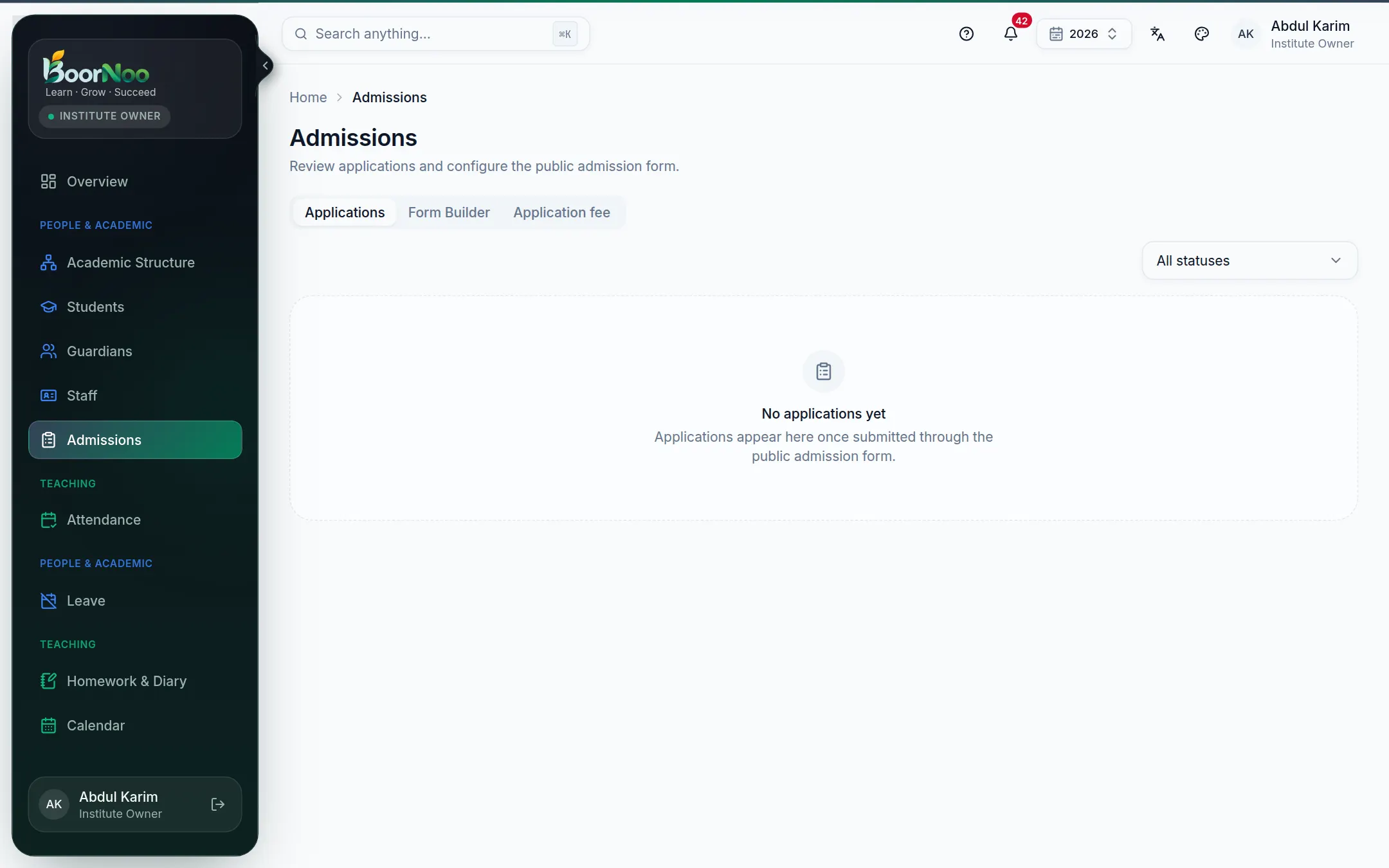
Point by point
Tap a number to see what it is.Point at a number, or scroll the list.
Building the form
boornoo.com/dashboard/admissions
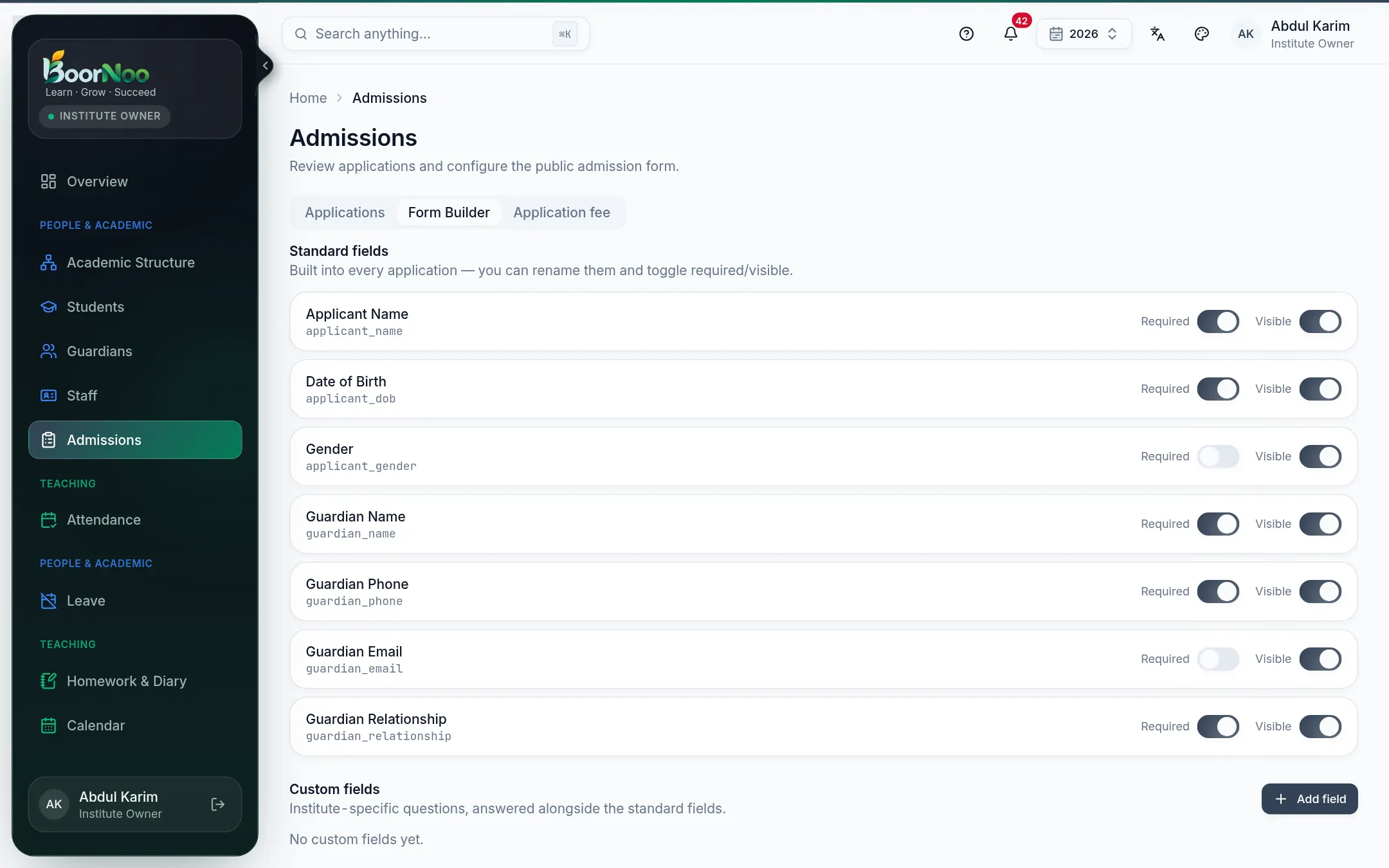
Point by point
Tap a number to see what it is.Point at a number, or scroll the list.
The form lives on the Admission page of your institute's website. Applicants get a number when they submit, and can use it later to track their application.
Reviewing and approving
- 1Open an application from Applications. Check the applicant, guardian, answers and documents.
- 2Move it along: under review → documents verification → payment pending. You can leave a note at each step.
- 3Finally Approve (choosing the class/section) — the student and guardian are created for you. Or waitlist or reject it.
Still stuck? Ask your institute's admin, or the BoorNoo team.