Accounting
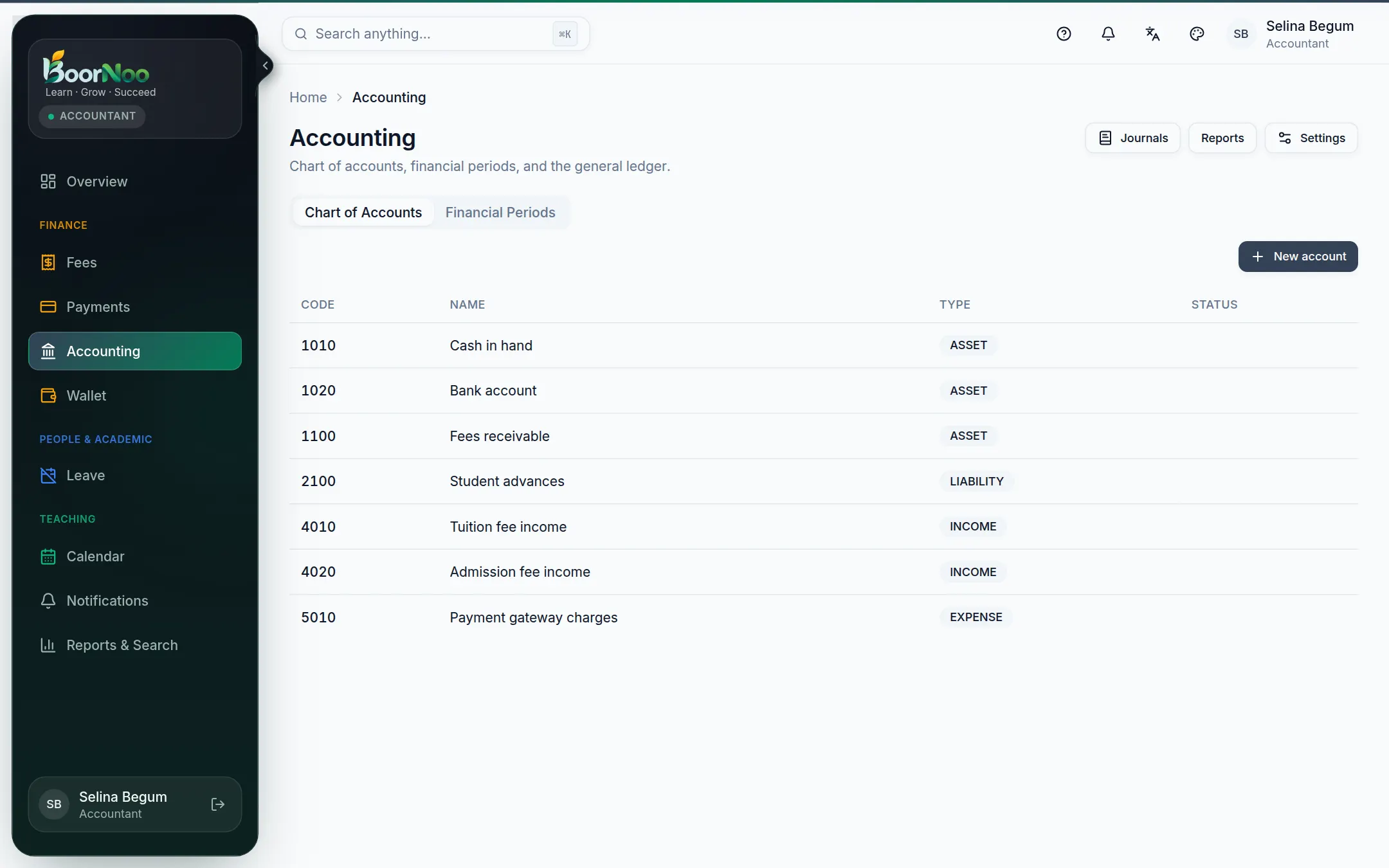
Every fee, payment and wallet movement is posted to double-entry books on its own. The chart of accounts, journals, financial periods and reports live here.
For:Owner & adminAccountant
The accounting page
boornoo.com/dashboard/accounting
Point by point
Tap a number to see what it is.Point at a number, or scroll the list.
- 1Create your accounts with New account — cash in hand, bank, fees receivable (assets); student advances (liability); tuition fee income (income).
- 2Open a financial year under Financial Periods (1 January–31 December, say). Nothing is posted without an open period.
- 3Under Settings, map each kind of transaction to an account — cash, bank, fees receivable, fee income, advances and so on.
- From then on you don't type anything twice — invoices, payments, refunds and wallet movements are all posted to the automatically.
- Every journal's total debit equals its total credit.
- Mistakes aren't deleted — a reversing journal cancels them, so the history stays.
- Close a period at month end; nothing more can be posted into it.
Still stuck? Ask your institute's admin, or the BoorNoo team.