The parent portal
Parents see their child's attendance, routine, homework, results and fees on their phone, pay fees online and apply for leave. Several children? They're all in one place.
For:Parent
Signing in the first time
- 1When the institute invites you to the portal, you'll get an email.
- 2Tap the link in the email and choose a password.
- 3From then on, sign in with your email and password. Installing it on your phone makes it even easier.
The portal home
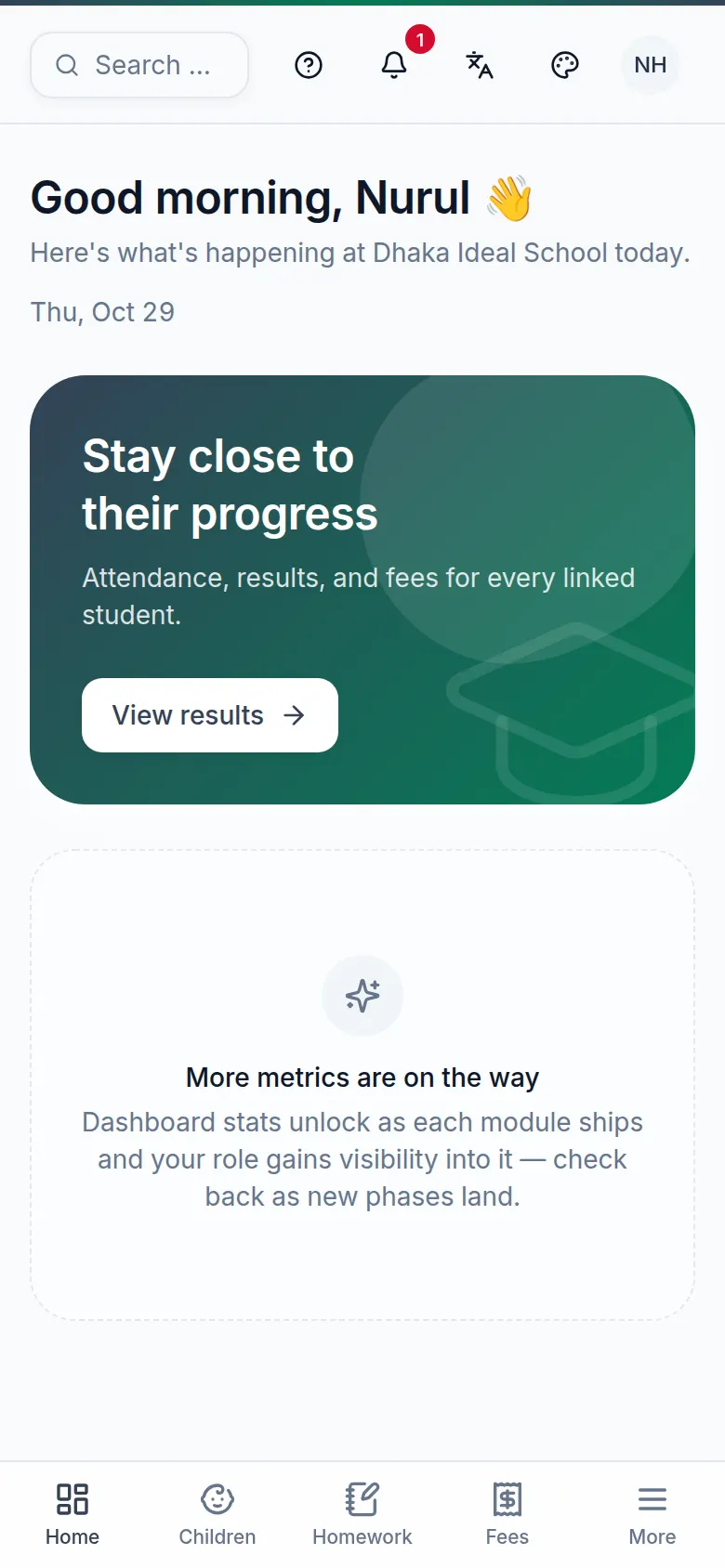
Point by point
Tap a number to see what it is.Point at a number, or scroll the list.
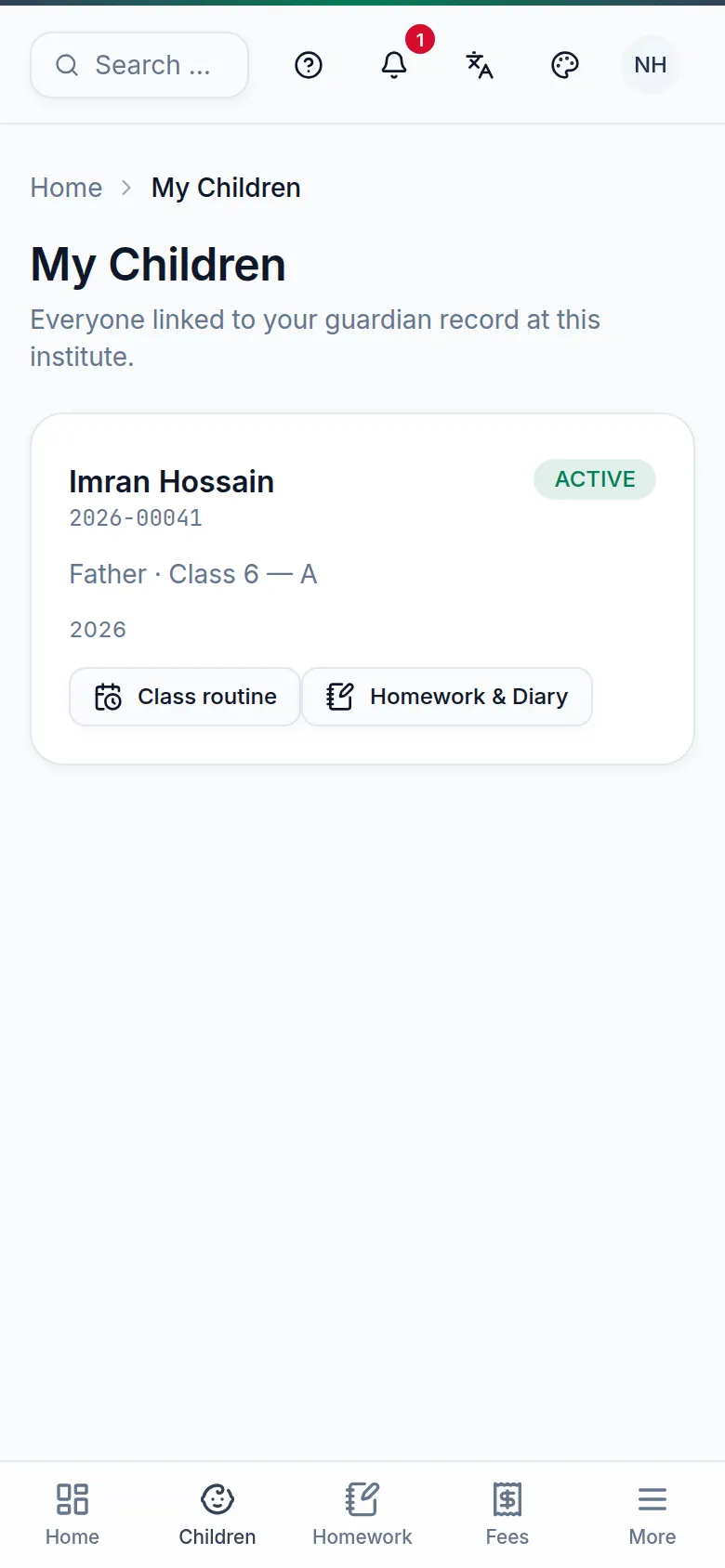
Point by point
Tap a number to see what it is.Point at a number, or scroll the list.
What you can do
| Task | Where |
|---|---|
| Did my child go to school today? | More → Attendance — with a monthly calendar. |
| See and pay fees | Fees → Pay fees. See Online payments. |
| Exam results | More → Exams & Results — visible as soon as they're published. |
| Homework and diary | Homework; teachers' notes are here too. |
| Class routine | More → Routine. |
| Ask for leave | More → Leave → Apply for leave. |
Still stuck? Ask your institute's admin, or the BoorNoo team.